
Reverse charging lets a compatible smartphone supply power to another device, turning it into a temporary power bank. Depending on the phone, that transfer happens through a cable or wirelessly. This guide explains the differences, how to check compatibility, and how to use the feature without overlooking your own battery needs.
What is reverse charging in smartphones?
Reverse charging means using your phone as a power source rather than only as a device that receives power. Instead of connecting it to a charger to refill its battery, you use its stored energy to charge a compatible phone or accessory. The supplying phone loses battery power while the receiving device gains charge.
The word “reverse” describes the change in the phone’s role not electricity flowing backward through its battery. For example, Apple documents charging small devices through the USB-C connector on supported iPhones, while Samsung offers wireless power sharing on compatible Galaxy phones. These are different ways to achieve the same practical result: sharing available power. (support.apple.com)
Think of it as a backup option rather than a reason to leave your charger behind. Before sharing, decide which device matters most for the rest of your day. Keeping your main phone available for navigation or calls may be more useful than fully replenishing an accessory.
Wired and wireless reverse charging work differently
Both methods allow a phone to supply power, but their connections and requirements differ. Wired sharing uses a compatible cable and supported power-output functionality. Wireless sharing requires a transmitting phone and a receiving device that work together without a cable between them.
Wired reverse charging
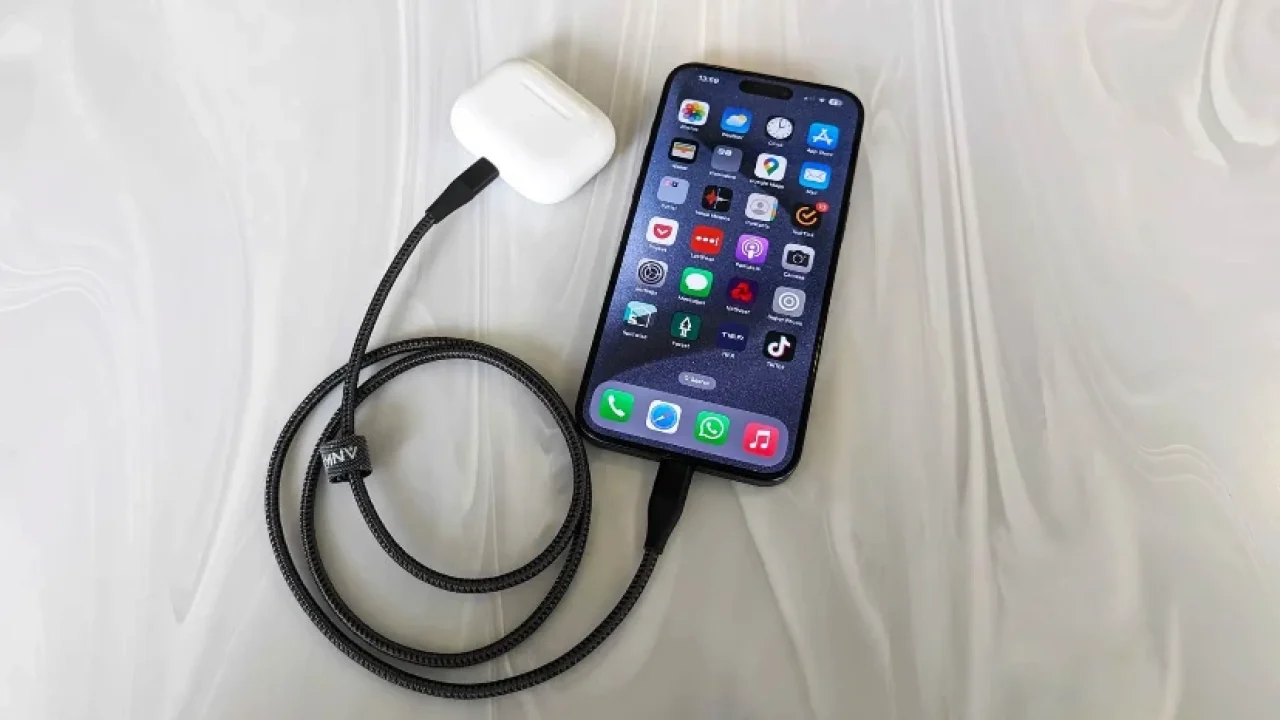
With wired reverse charging, you connect the supplying phone to the receiving device using an appropriate charging cable. Some setups require an On-The-Go, or OTG, adapter or cable. Huawei, for example, describes connecting the devices and selecting Reverse charge from the phone’s USB options.
Do not assume every USB-C connection behaves identically. Check the manufacturer’s instructions for the phone and receiving device, including the required cable. Apple’s instructions distinguish between USB-C accessories, Lightning accessories, and Apple Watch charging cables an example of why the connection matters as much as the phone itself.
Wireless reverse charging
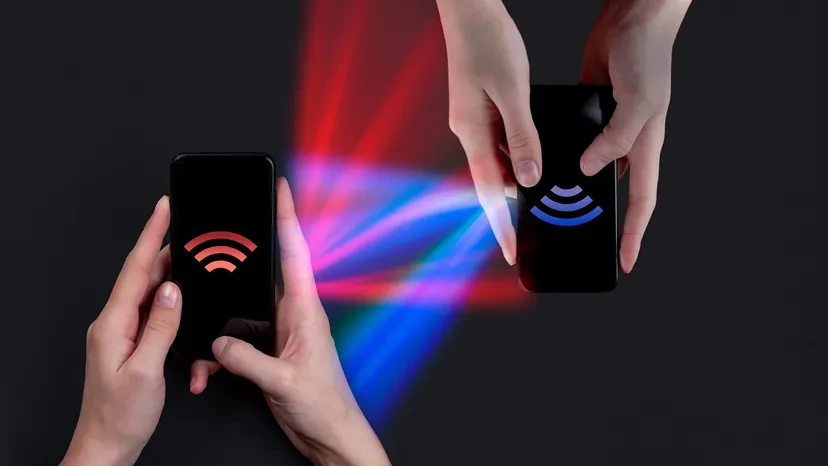
Wireless reverse charging uses electromagnetic induction. A transmitter coil produces a changing magnetic field, and a nearby receiver coil converts that energy into electrical power. In this arrangement, the supplying phone acts as the wireless charging surface.
Coil alignment matters because wireless power transfer depends on the relationship between the two coils, including their distance and angle. Placing an accessory somewhere on the phone’s back is not always enough; you may need to reposition it until charging begins.
What devices can you charge with a phone?
Depending on compatibility, reverse charging can power another smartphone, a wireless-charging earbud case, or certain small accessories. The receiving device must support the connection or wireless charging system being used. Watches need particular attention: a watch having a wireless charger does not automatically make it compatible with phone-based wireless sharing.
Before trying a pairing, check these details:
The supplying phone’s exact model: Look for explicit support for wired power output or wireless reverse charging—not just ordinary wireless charging.
The accessory’s charging requirements: Confirm whether its case or charging interface supports the method you intend to use.
The required connection: For wired sharing, identify the cable or adapter specified by the manufacturer.
Any named exclusions: Samsung, for example, lists some watches as incompatible with Wireless PowerShare.
Check both devices rather than relying on their brand names. Google lists particular Pixel models that offer Battery Share and requires a suitable Qi-compatible receiver. Apple separately documents wired accessory charging, illustrating why a feature available through one connection should not be assumed to work through another.
How to use reverse charging successfully
Start with the instructions for your exact phone. Feature names vary: Samsung uses Wireless PowerShare, Google uses Battery Share, and Huawei uses Wireless reverse charging. Settings and behavior therefore need checking rather than assuming one universal activation process. (samsung.com)
Set up wireless sharing
Use this sequence as a practical starting point, then follow any model-specific prompts:
Check the supplying phone’s battery. Make sure it meets the feature’s minimum level and leaves enough reserve for your needs.
Enable wireless sharing. Find the relevant control in battery settings or Quick Settings, where supported.
Prepare the devices. Remove obstructive cases and metallic or magnetic attachments as directed by the manufacturer.
Position the receiver. Place the phone on a stable surface and align the receiving device with its charging area.
Confirm charging. Look for the receiver’s charging indicator before leaving the devices in place.
Keep the devices still after charging starts. If the indicator disappears, reposition the receiver rather than assuming power is still transferring. Samsung notes that coil locations vary between devices, so a small adjustment can be necessary. (samsung.com)
Set up wired sharing
Connect the devices with the supported cable or adapter, then check for a USB notification or charging prompt. On supported Huawei setups, selecting Reverse charge tells the phone to supply power. Follow the receiving device’s onscreen instructions and verify that its charging indicator appears.
Avoid treating a physical connection as proof that charging has started. The useful check is whether the intended receiver shows that it is charging. If it does not, revisit the cable requirements and the supplying phone’s documented procedure before buying additional adapters.
How fast is reverse charging?
Reverse-charging speed depends on the supplying phone, receiving device, and charging method. It should not be assumed to match the phone’s advertised charging-input speed. Huawei describes wireless reverse charging as less powerful than wired charging and better suited to emergencies, particularly when charging larger-capacity devices. (consumer.huawei.com)
There is no single wattage that defines the feature. As one specific example, Apple documents up to 4.5 watts for charging supported small devices from iPhone 15 and later. That specification applies to the documented Apple setup, not every phone with reverse charging.
Wireless performance also depends on placement and the materials between devices. Thick cases can interfere with charging, while excessive warmth can cause a sharing session to stop. Before judging a setup as too slow, check its alignment, remove obstructions, and review the manufacturer’s limitations.
Battery limits and troubleshooting
Reverse charging uses the supplying phone’s battery, so plan around a reserve rather than sharing until the feature stops itself. Automatic cutoffs differ: Samsung requires sufficient charge for PowerShare, while supported Pixel phones let users choose a Battery Share cutoff. These safeguards are model-specific, not universal settings.
If charging will not begin or stops unexpectedly, work through these checks:
Recheck compatibility: Confirm that the exact receiver works with the selected charging method.
Check the battery reserve: Sharing may be unavailable below the phone’s required threshold.
Remove obstructions: Cases, metal attachments, or poor placement can interrupt wireless transfer.
Let warm devices cool: Temperature protection can stop power sharing.
Review automatic shutdown behavior: Some phones disable sharing when no receiver is detected or when another charging mode starts.
Simultaneous charging also requires checking. Samsung supports charging a compatible Galaxy phone while it shares power, but Google documents restrictions for certain Pixel models when wired charging begins. Do not assume that plugging in the supplying phone will preserve the same sharing behavior.
Make reverse charging a useful backup
For anyone wondering what reverse charging is in a phone, the essential idea is simple: a supported handset can share power with another compatible device. The connection may be wired or wireless, and each method has its own requirements.
If you are comparing latest mobile phones, reverse charging can be a practical tie-breaker alongside battery capacity, charging speed, and accessory compatibility. It can be especially useful on best battery mobile phones, where you have more reserve to share without compromising your own day-to-day usage.
When doing online mobile shopping, look for the exact feature name in the specs (for example, wireless power sharing, battery share, or reverse charge), confirm whether it is wired or wireless, and check any listed limitations such as minimum battery percentage or incompatible accessories.
Test your intended setup before you need it, learn where the controls are, and keep the appropriate cable handy if required. Most importantly, choose a sensible stopping point. Reverse charging is most useful when it solves a small battery problem without creating a bigger one for your main phone.